A shared Christmas list in 5 steps
Write down your wishes
A link to the item, or just a few words: “a detective novel”, “really warm socks”. A precise wish avoids mistakes, an open one leaves room for surprise: mix both.
Add a price and a priority
The price helps everyone choose within their budget. The priority shows what really matters: in Rimbi, “Dream gift” or “Would be nice”.
Add your tastes and sizes
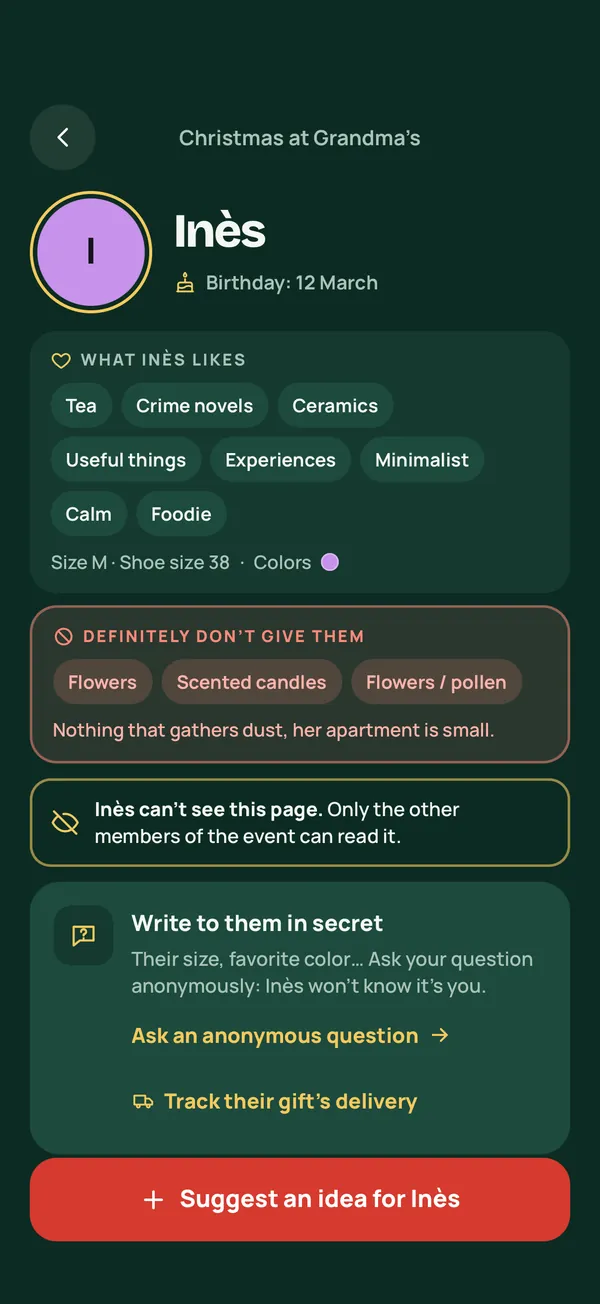
Clothing size, shoe size, favorite colors, and what you really don’t want: enough to find a gift even beyond the list.
Share the list with your loved ones
Family, friends or your Secret Santa group: only the people you invite can see it. In Rimbi, members of your group see your list, and a guest without the app sees the list of the person they’re buying for through their personal link.
Let others reserve in secret
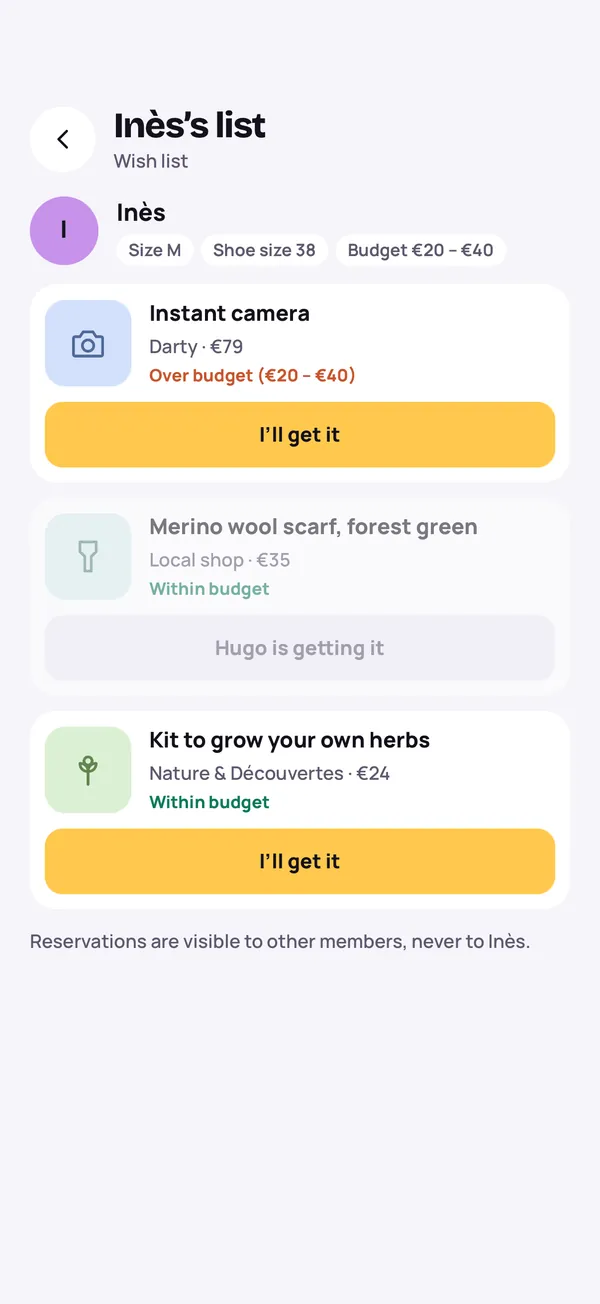
Whoever picks a gift taps “I’ll get it”: the others see it’s taken, you don’t. Nobody buys the same thing twice.
Hidden reservations: how they work
This is what sets a shared list apart from a list sent by text. Everyone can see what’s already taken, except the person the list belongs to:
| On your list | You | Your loved ones |
|---|---|---|
| Your wishes, prices and priorities | Yes | Yes |
| That a gift is reserved | No | Yes |
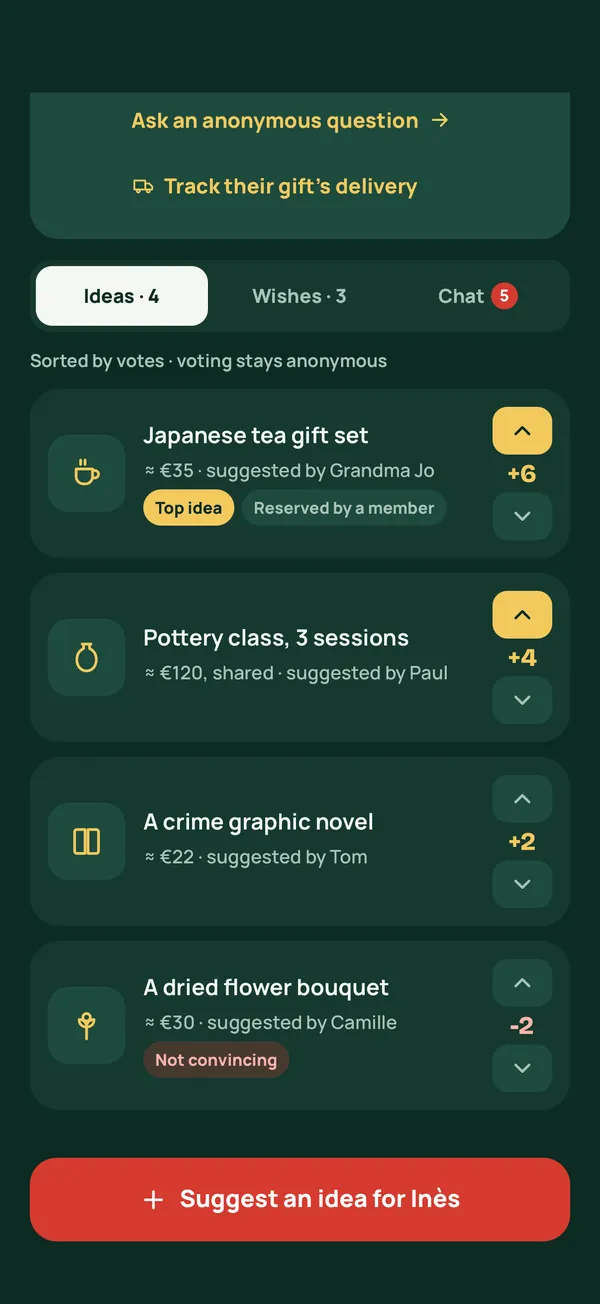
| Ideas and chat about you | No | Yes, in Rimbi |
The result: no duplicates, and no spoiled surprise. Just one rule: don’t ask your family what they’ve reserved. The list is there so you don’t have to know.
Run your Secret Santa with Rimbi
Name draw with exclusions, guests without the app by text or email, wish lists and group gifts. Free for up to 20 people, no ads.


Coming soon to iPhone and Android
Tips for a great Christmas list
- Mix price ranges. A few small wishes and a few bigger ones: everyone finds something within their budget, and the priciest ones can become a group gift.
- Be precise when it matters. Size, color, edition: a link to the item avoids mistakes.
- Leave some wishes open. “A board game for four”, “a cooking class”: room for people to surprise you.
- Say what you don’t want. No more mugs, no scented candles: one line that saves a lot of unwanted gifts.
- Keep your list up to date. Remove what you bought yourself, add what comes to mind.
- Share it early. From November, everyone has time to choose and have it delivered.
A Christmas list for a child
A child doesn’t need a phone to have a list. Fill it in together, starting from their letter to Santa, then share it with grandparents, aunts and uncles.
- Add a link for each toy: toy names all sound alike, and the age on the box matters.
- Note their clothing and shoe sizes, which change fast.
- Let the whole family reserve: the child won’t get the same game three times.
Christmas lists and Secret Santa
In a Secret Santa, each person only buys for one person, drawn at random. That person’s wish list becomes the best way to get it right, especially between people who don’t know each other well.
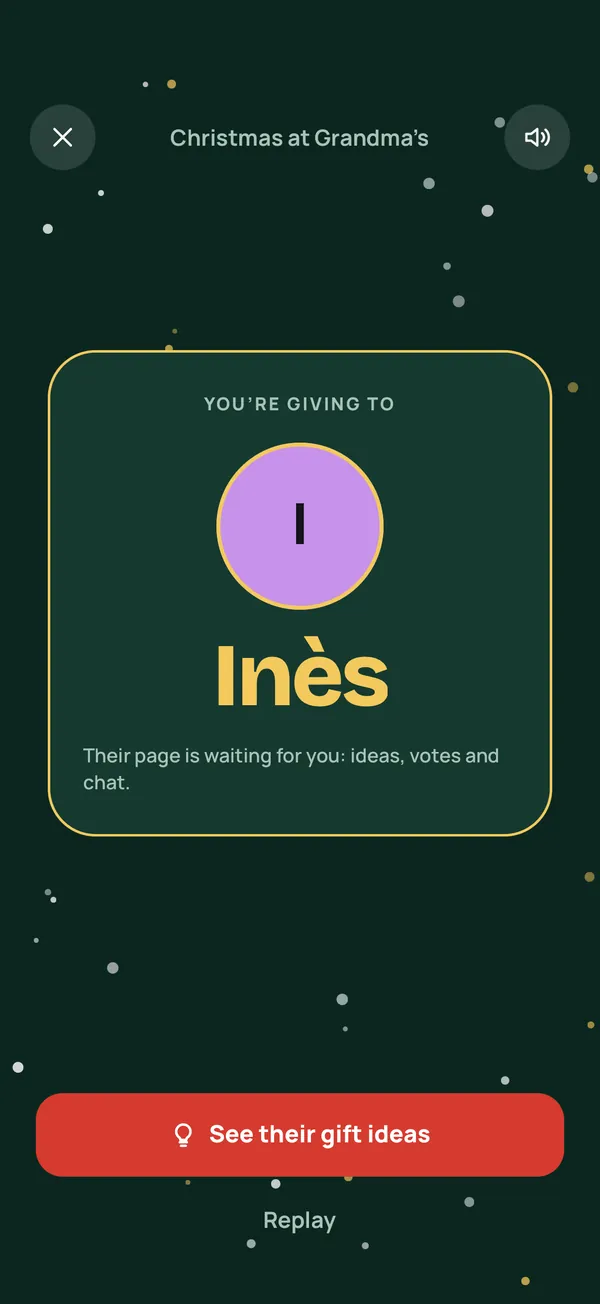
In Rimbi, everyone sees their draw, then the profile and wishes of the person they’re buying for. A guest without the app sees the same list through their personal link, valid for 7 days, and reserves a gift in one tap. For everything else, read our guide How do you organize a Secret Santa?
Frequently asked questions
How do you share a Christmas list without the person seeing what’s reserved?
Use a shared list with reservations: when someone reserves a gift, the others see it’s taken, but the person the list belongs to doesn’t. In Rimbi, just tap “I’ll get it”.
Do my family and friends need an app to see my list?
Not necessarily. In Rimbi, an event organizer can send a guest a personal link by text or email, valid for 7 days: with nothing to install, the guest sees the wish list of the person they’re buying for and reserves a gift.
Is there a free app to share a Christmas list?
Rimbi is free for one group of up to 20 people, kids included, with every feature, wish lists and reservations included. Guests never pay.
What should you put on a Christmas list?
A mix of small and big wishes, precise and open: a specific book, “a board game for four”, a sweater size. Also add what you really don’t want: it’s often the most useful line.
Can the same list work for a birthday or a new baby?
Yes: hidden reservations work for every occasion. Rimbi also offers birthday events, baby events with a shared list, weddings and custom events.